One-click hosting for the apps you actually run
Pick an app, pick a plan, and we deploy it to a managed server with SSL, monitoring and backups already configured. No server admin required.
Your repository
Configured automatically
Live & monitored
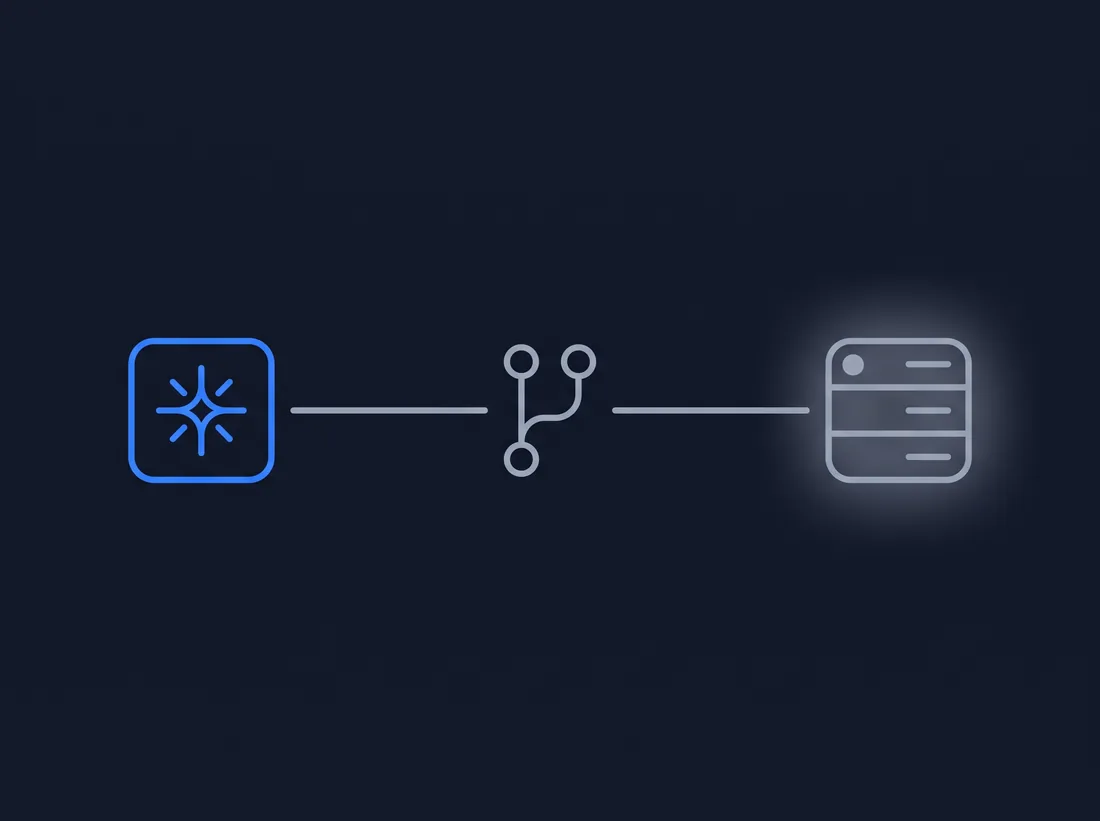
Your AI writes the code. MoodLensAI gets it online.
From AI-built project to a live app — without managing a server. Claude Code, Codex, Cursor and Lovable all end in the same place: a Git repository. Connect it to MoodLensAI and get a running, managed application.
Same server, none of the setup
With a VPS, you manage the server. With MoodLensAI, you manage your project.
No manual setup
A raw VPS gives you a blank Ubuntu box. We hand you a running application, with the runtime, database and reverse proxy already wired together.
Security patched for you
OS updates, firewall rules and TLS renewal are handled on a schedule, so you are not the one finding out about a missed patch.
Backed up automatically
Backups run on a schedule and are stored off the server, so a bad deploy or a dead disk is not the end of your data.

A raw VPS
MoodLensAI
Nothing you have to take our word for

HTTPS configured automatically
A certificate is issued and renewed the moment your domain is connected — nothing to configure by hand.
Backups stored off the server
Scheduled backups live on separate storage, so a bad deploy or a dead disk does not take your data with it.

Health checks before a deploy goes live
Every deployment is checked before it replaces what is currently running.

Your app runs in its own container
Each customer application is isolated from every other customer on the same server.
SSH access on every plan
Inspect logs or make manual changes any time — you are never locked out of your own server.

No long-term contract
Cancel from your dashboard any time — the server is decommissioned at the end of the paid period.
A deployment updates your application's code. It does not touch your database — backups are the separate, dedicated way to recover your data.
Deploy the stack you already use
Every card below is backed by a real, working deployment preset — not a placeholder we plan to build later.
- Supported versions: 8.4, 8.3, 8.2
- Runs as a managed, always-on process behind our reverse proxy.
- Includes a managed MYSQL database, provisioned automatically.
- Background workers: Active. Scheduled tasks: Active.
- Supported versions: 3.12, 3.11
- Runs as a managed, always-on process behind our reverse proxy.
- Includes a managed POSTGRES database, provisioned automatically.
- Background workers: Active. Scheduled tasks: Active.
- Supported versions: 3.12, 3.11
- Runs as a managed, always-on process behind our reverse proxy.
- Supported versions: 20, 18
- Runs as a managed, always-on process behind our reverse proxy.
- Supported versions: 20, 18
- Runs as a managed, always-on process behind our reverse proxy.
- Supported versions: 20, 18
- Runs as a managed, always-on process behind our reverse proxy.
- Supported versions: 20, 18
- Built once and served as static files — no server process to manage.
- Supported versions: 20, 18
- Built once and served as static files — no server process to manage.
However your project exists today
Deploy from Git
Connect a GitHub repository and we detect your framework automatically. Pick the branch and deploy it from your dashboard.
How Git deploy works → Connect a GitHub repositoryOne-click Apps
Deploy n8n or WordPress right now — pick an app, pick a plan, and it is live in minutes.
Choose an appMove an existing project
Tell us about your current setup and we handle the migration. The self-service form is not live yet — reach us directly for now.
Talk to us about migratingDeploy a ready-made application
More templates are added over time. Every template ships with a pinned, tested version — never an unpinned "latest" build.
n8n
Connect your tools and automate workflows with a self-hosted n8n instance.
WordPress
A production-ready WordPress install with caching and automatic SSL.
Umami
A privacy-focused, cookie-free website analytics dashboard.
Uptime Kuma
Self-hosted uptime and status-page monitoring for your sites and services.
AnythingLLM
A private AI workspace and chat interface you connect to your own OpenAI/Anthropic/Gemini API key.
Activepieces
A no-code workflow automation platform for connecting your apps and APIs.
Gitea
Self-hosted Git repositories with your own SSH-based clone/push/pull access.
Fixed plans, no surprise bills
Starting prices below — final pricing is confirmed before you pay.
Free
$0/mo starting from
Static sites, bots and small APIs from GitHub, with a Hosted by MoodLensAI link in the footer
In exchange, we add a small "Hosted by MoodLensAI" link to the footer of your site. Free places are limited.
- Deploy static React or Vue sites, Express, NestJS and FastAPI apps from GitHub
- Free SSL and your own domain
- Daily backups, kept for 14 days
Starter
$5/mo starting from
Landing pages, websites, bots and small tools
- Deploy from GitHub with zero-downtime releases
- Free SSL and your own domain
- Daily backups, kept for 14 days
Builder
$10/mo starting from
Online stores, apps with a database, MVPs and business sites
- Deploy from GitHub with zero-downtime releases
- Free SSL and your own domain
- Daily backups, kept for 14 days
Pro
$20/mo starting from
Any production project that needs more CPU, memory and storage
- Deploy from GitHub with zero-downtime releases
- Free SSL and your own domain
- Daily backups, kept for 14 days
Not sure which plan you need?
Answer a few quick questions and we will point at a plan — you decide when to order.
What are you publishing?
Does it need a database?
Is it live with real traffic, or still early-stage?
Does it run background jobs or scheduled tasks?
Recommended:
From choice to a live app
Choose an app
Pick n8n, WordPress, Laravel or another template.
Choose a plan
Pick the server size that fits your workload.
We deploy it
Your server is provisioned and the app is deployed automatically.
Connect your domain
Point your domain at the server and SSL is issued automatically.
The parts you should not have to think about
SSL
Certificates are issued and renewed automatically once your domain is connected.
Monitoring
Health checks watch your app and server so problems are caught early.
Backups
Scheduled, off-server backups you can restore from your dashboard.
Updates & support
We patch the underlying platform. Application-level customization and support boundaries are documented per plan.
Common questions
Ready to deploy?
Choose an app, pick a plan, and have it running on a managed server today.